
How to Find the Total Length of a YouTube Playlist
TL;DR
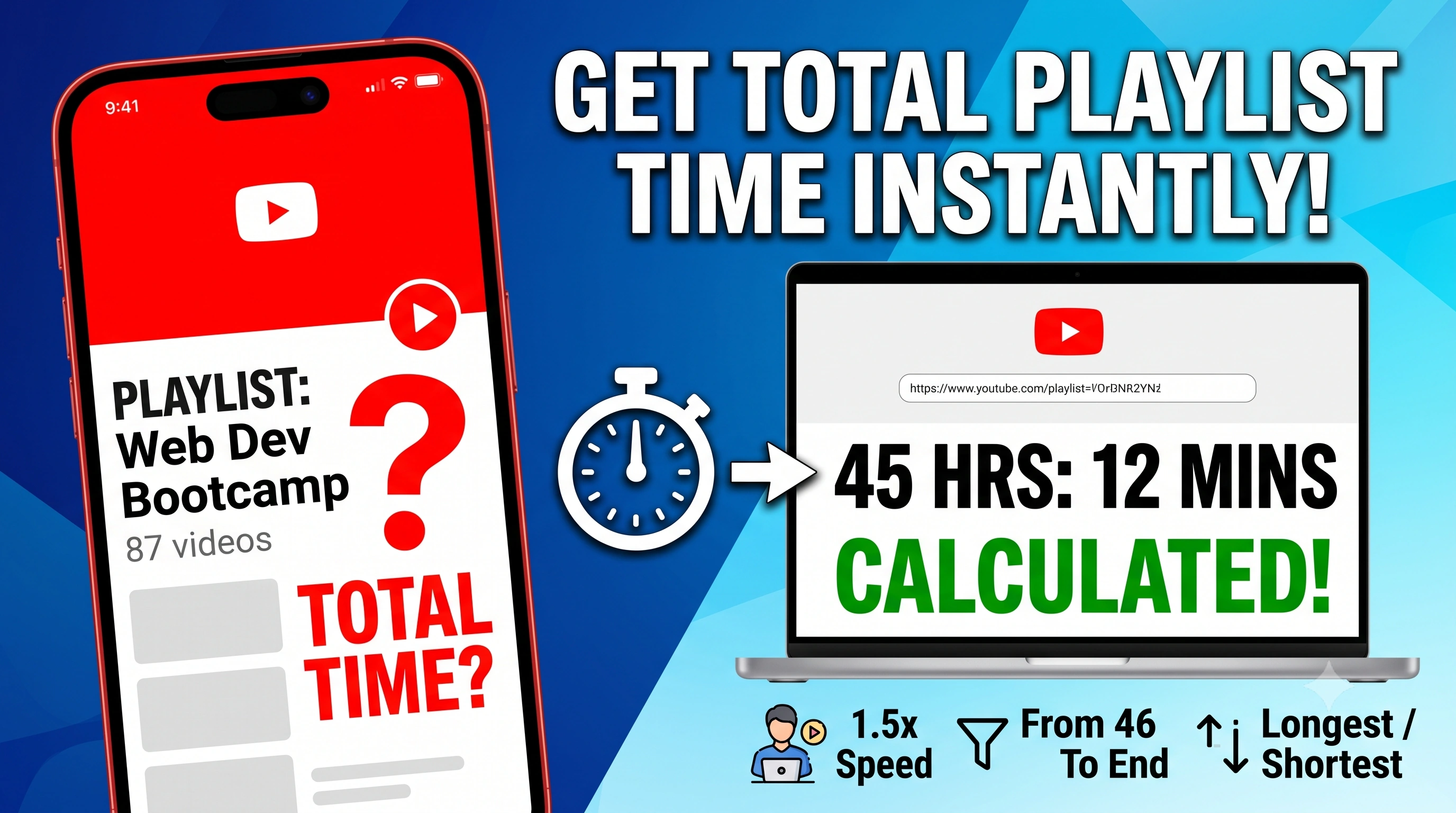
YouTube tells you how many videos are in a playlist, but not how long it will take to watch them all. You can use our free calculator to instantly find the exact total duration of any playlist, sort the videos by views or likes, and see exactly how long the playlist takes if you watch at 1.5x or 2x speed.
Go to Playlist Length CalculatorIf you use YouTube to learn new skills, you have probably run into this exact problem. You find an amazing, massive playlist. It could be a full web development bootcamp, a detailed history documentary series, or just a really long playthrough of your favorite video game.
You look at the playlist and YouTube tells you: "87 videos."
But what does that actually mean? Are these short 3-minute clips, or are they 2-hour long university lectures? If you are trying to plan out your study schedule for the weekend, knowing the number of videos is completely useless. You need to know the actual, exact time it will take to watch everything.
YouTube intentionally hides this information. They want you to just click play and stay on the platform as long as possible. If they told you upfront that a playlist was 45 hours long, you might get overwhelmed and click away. So, they leave you guessing, forcing you to manually scroll through and try to do the math in your head.
To fix this blindly obvious missing feature, we built the YouTube Playlist Length calculator. It grabs all the videos, does the heavy math for you, and gives you a ton of extra data to help you study or binge-watch smarter.
How to Find Your Playlist's Total Duration
We designed this tool to be as frictionless as possible. You do not have to download a sketchy app, install a browser extension, or sign up for an account. It works directly in your web browser, meaning it is just as fast on your phone as it is on your laptop.
- Get the Link: Go to YouTube and open the playlist you want to check. If you are on a computer, copy the web address from the top bar. If you are on the YouTube mobile app, tap the Share button and select Copy Link.
- Open the Calculator: Head over to our Playlist Length Tool.
- Paste and Calculate: Drop your copied link into the search bar and hit the calculate button. Within two or three seconds, it will give you the exact total time in hours, minutes, and seconds.
Why Not Just Use Other Tools or Extensions?
If you search around, you might find a few other websites or Chrome extensions that claim to do this. We actually built our tool because we were frustrated with how bad the competitors were.
Most browser extensions are a massive privacy risk. They ask for permission to "read and change all your data on the websites you visit," which is completely unnecessary just to count video lengths. Plus, browser extensions only work on desktop computers. If you are browsing on your iPad or phone, you are out of luck.
As for the other websites out there, they are usually plastered with annoying pop-up ads, fake download buttons, or they just break entirely if a playlist has more than 100 videos. We built our tool to be clean, incredibly fast, entirely ad-free, and capable of handling massive 5,000 video playlists without breaking a sweat.
Advanced Features Built for Students and Power Users
When we built this, we realized that just giving you the total time was not enough. People watch YouTube in very specific ways, so we added a complete suite of advanced tools right into the dashboard.
1. Watch Speed Breakdowns
Let us be honest, almost nobody watches educational content at normal speed. Instructors usually talk slowly, so you bump the speed up to 1.25x, 1.5x, 1.75x, or even 2x. Our tool automatically calculates exactly how much time you save at every single speed multiplier. A daunting 30-hour course suddenly becomes a much more manageable 20-hour course when you see the 1.5x speed breakdown.
2. Custom Range Filtering (The "From / To" Feature)
Imagine you are following a massive 200-video coding course. You have already watched the first 45 videos over the last two weeks, and you want to know how much time is left. You do not care about the total playlist length anymore. With our tool, you can just type "46" into the From box, and it will strictly calculate the remaining duration from video 46 to the very end.
3. Sort the Playlist to Find the Best Videos
Sometimes you stumble upon a creator's massive dump of 500 videos, but you only want to watch the best ones. We built a sorting feature directly into the results page. With one click, you can reorganize the entire playlist by:
- Latest & Oldest: Sort by publish date to watch in chronological order.
- Most Viewed & Most Liked: Find the highest-quality and most viral content instantly.
- Most Commented: Find the most controversial or engaging topics.
- Longest & Shortest: Pick videos that perfectly fit your current free time.
4. Average Video Stats & Clean Tracking
Before you commit to a playlist, we show you the exact average duration of a video. If the average is 5 minutes, it is great for quick breaks. If the average is 45 minutes, you know you need to block out serious time.
We also clean up the data for you. YouTube playlists often contain deleted or private videos that clutter the list. Our tool automatically skips those broken links and only counts the public videos you can actually watch.
5. Individual Video Stats & History
You can see the individual views, likes, comments, and upload date for every single video directly in our dashboard. And if you accidentally close your browser tab, do not worry. The site saves your recently searched playlists locally, so you can click them again tomorrow without having to go back to YouTube to copy the link.
Stop guessing how long a course or series will take to finish. Grab your link, drop it into the YouTube Playlist Length Calculator, and take the guesswork out of your watching schedule.