
How to plan your study session with YouTube Playlist Length Calculator
TL;DR
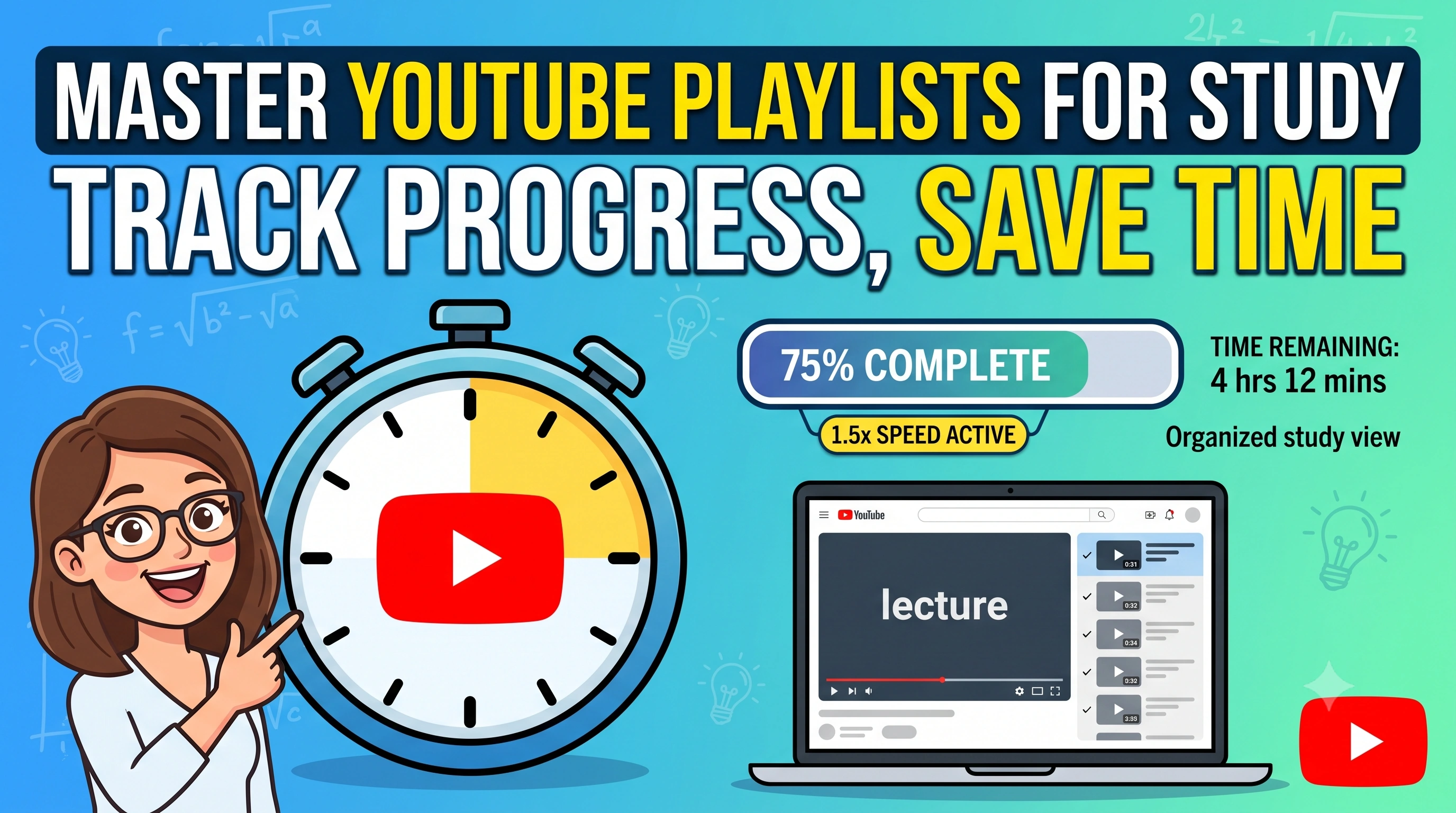
Our free YouTube Playlist Length Calculator comes with a built-in Study Manager. It lets you paste any playlist link to see your exact remaining watch time, skip videos you already know, sort by most viewed, and track your progress in real-time using a distraction-free interactive player.
If you are a student, you probably rely heavily on YouTube playlists. From full crash courses on web development to detailed physics lectures, it is one of the best free learning resources out there. But there is a huge problem with learning on YouTube: it is incredibly easy to lose track of your progress.
When you watch a playlist natively on YouTube, you only get a tiny progress bar showing what you have watched. You don't know exactly how many hours are left, you can't easily reorganize the videos to fit your study schedule, and you definitely can't track your completion speed accurately.
That is exactly why we built the Study Manager and Interactive Player directly into our YouTube Playlist Length Calculator. It is designed to turn any regular playlist into a highly organized study session. Let's walk through how you can use it to learn faster and stay motivated.
1. See Your Exact Remaining Study Time at Different Speeds
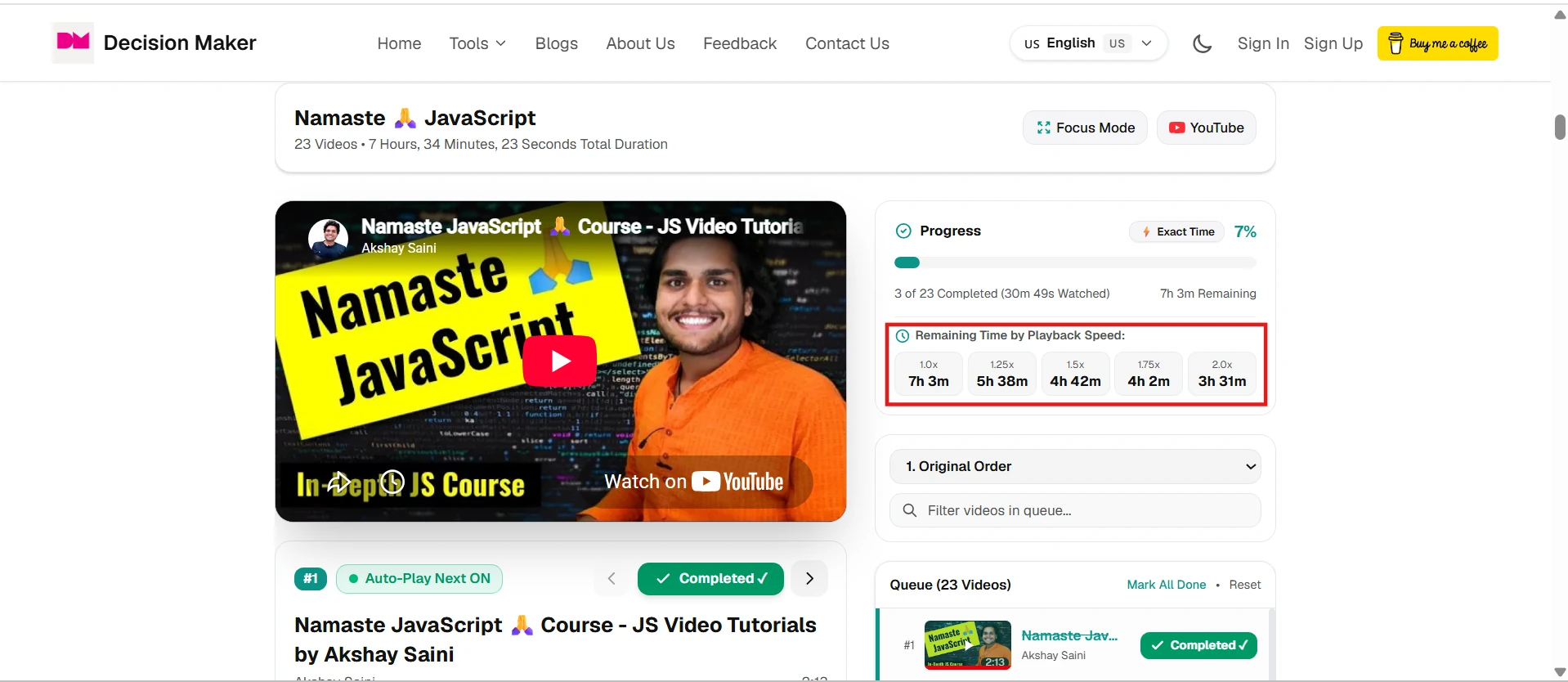
When you sit down for a study session, the first thing you need to know is how long it is going to take. The Study Manager shows your exact progress and tells you exactly how much time is remaining. But it gets better: it calculates the remaining time based on your playback speed.
If you prefer watching lectures at 1.25x or 1.5x speed, you don't have to guess how much time you are saving. The dashboard updates your remaining time instantly, letting you plan your evening perfectly.
2. Watch Videos Directly Inside the Interactive Player
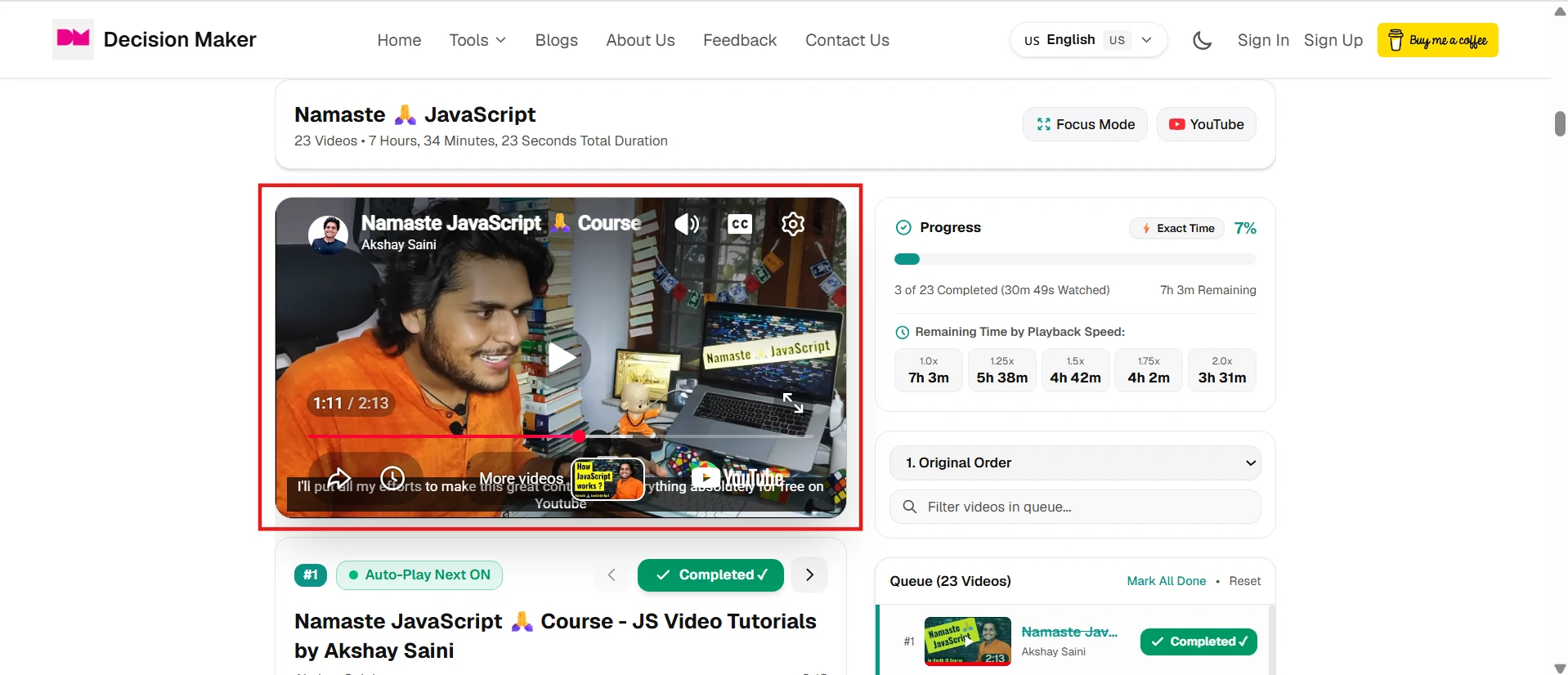
You don't need to keep flipping between our tool and YouTube. Once you load a playlist, you can click on any video and play it right there inside the Study Manager. It creates a distraction-free environment without YouTube's sidebar of recommended videos trying to steal your attention.
3. Real-Time Progress Tracking
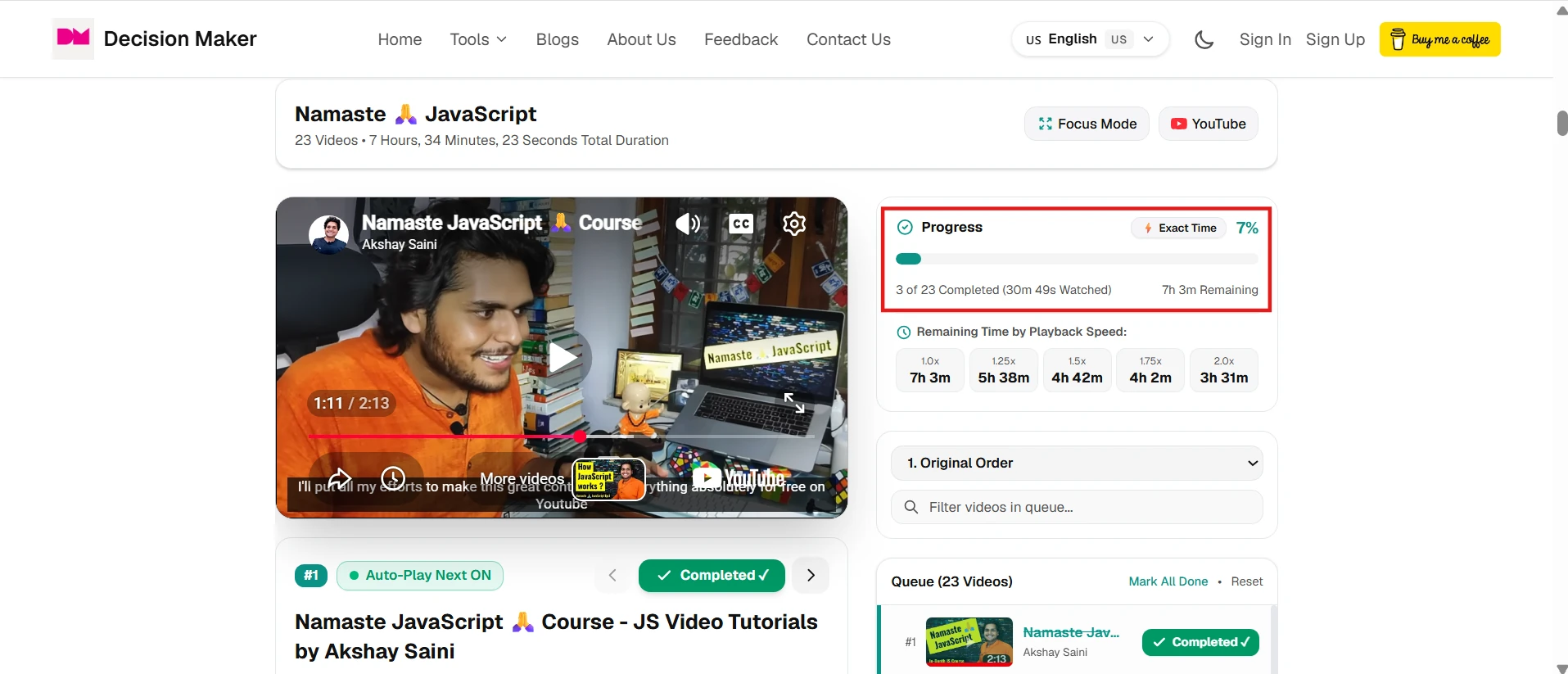
As you watch a video in the embedded player, your progress is tracked automatically in real-time. When a video finishes, the tool instantly updates your completed count, the percentage of the playlist you have conquered, and recalculates the remaining time. It is super satisfying to watch your completion percentage tick up as you study.
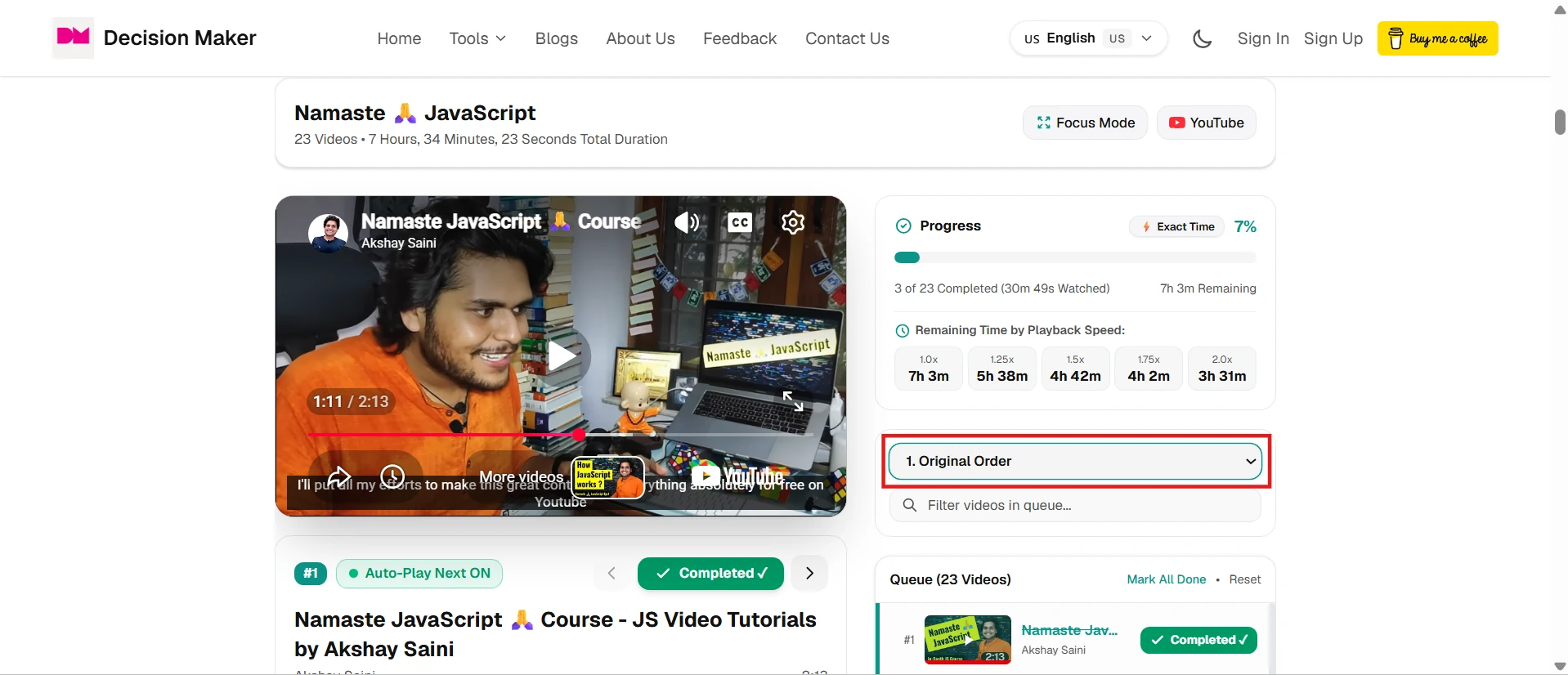
4. Sort Videos to Match Your Needs
Sometimes the creator of a playlist puts things in a weird order, or maybe you just want to find the most helpful videos first. The Study Manager lets you sort the entire playlist in multiple ways instantly:
- Latest & Oldest: Jump straight to the newest updates or start from the very beginning.
- Most Viewed & Most Liked: Find the core lectures that everyone else found most helpful, with the best quality content bubbling to the top.
- Most Commented: Spot the videos that sparked the most discussion and engagement.
- Shortest & Longest: Perfect for when you only have 5 minutes to spare, or when you are ready to tackle a deep-dive lecture.
You can reorganize your study plan with a single click based on what you actually need to learn right now.
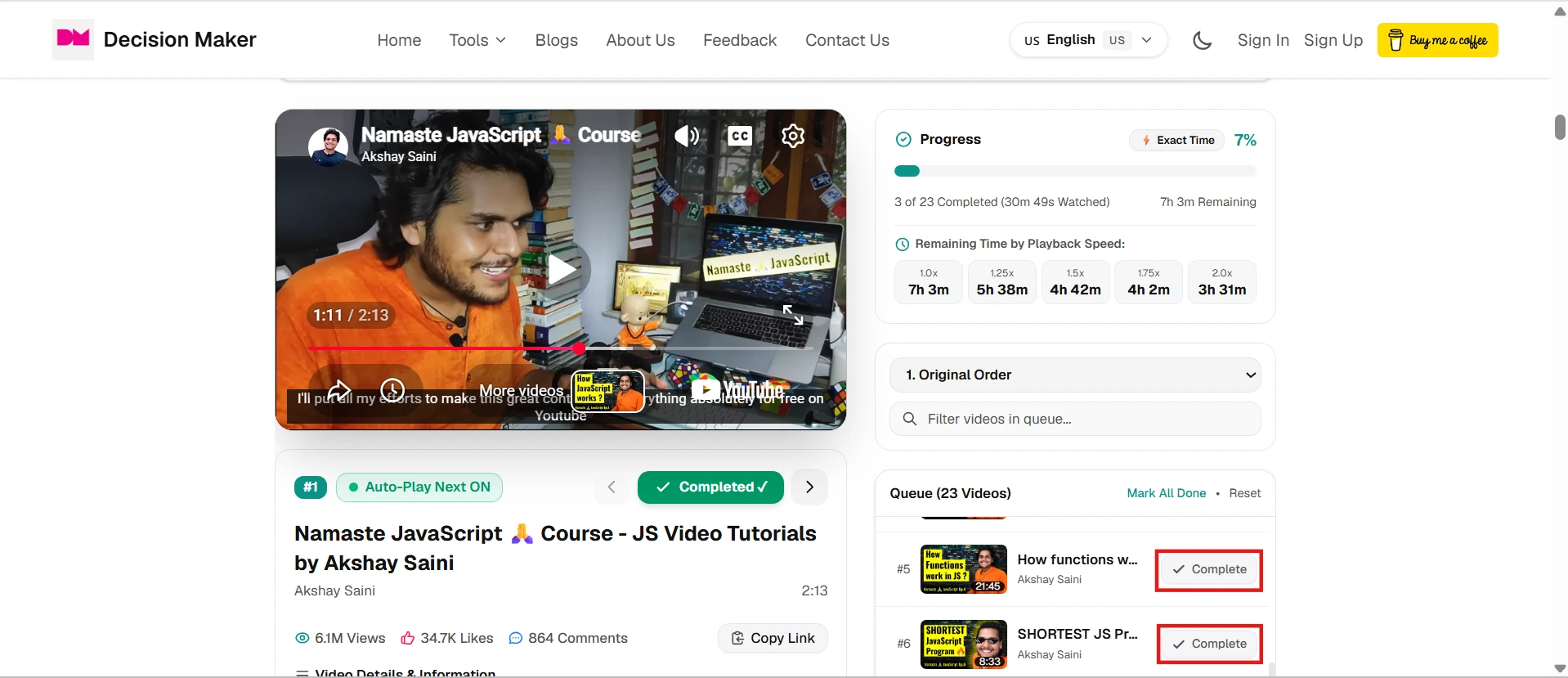
5. Skip and Complete Videos Manually
We all know there are videos in a playlist that you just don't need. Maybe it is an intro video, an outdated setup guide, or a topic you already know. Instead of letting it ruin your progress stats, you can just click the 'Complete' button next to it. The tool immediately marks it as watched and removes its duration from your remaining time.
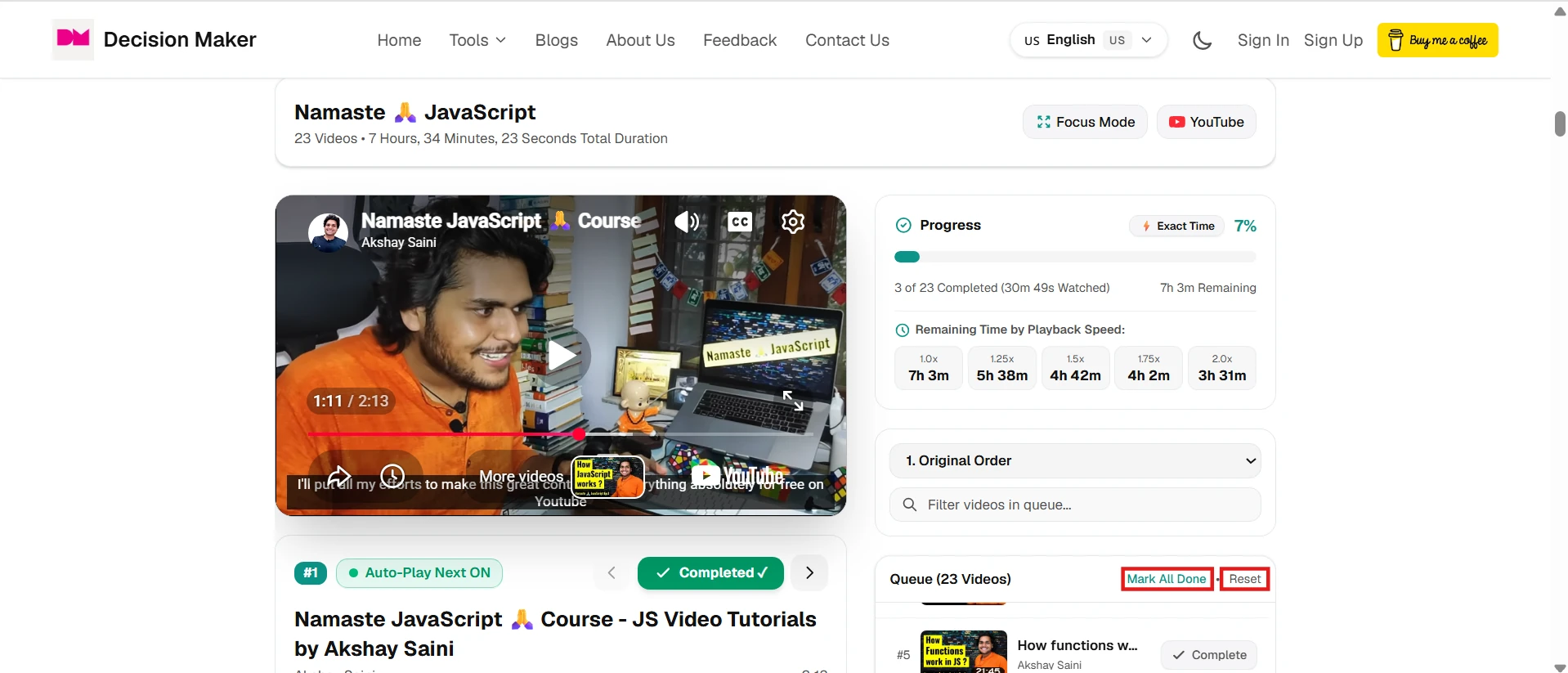
6. Mark Everything as Complete (Bulk Editing)
If you are jumping into a playlist halfway through because you already watched the first 20 videos last week, you don't want to click 'Complete' twenty times. We added a quick option to mark all previous videos as complete in bulk. Just jump to where you left off, update your progress, and get accurate remaining time for the rest of your session.
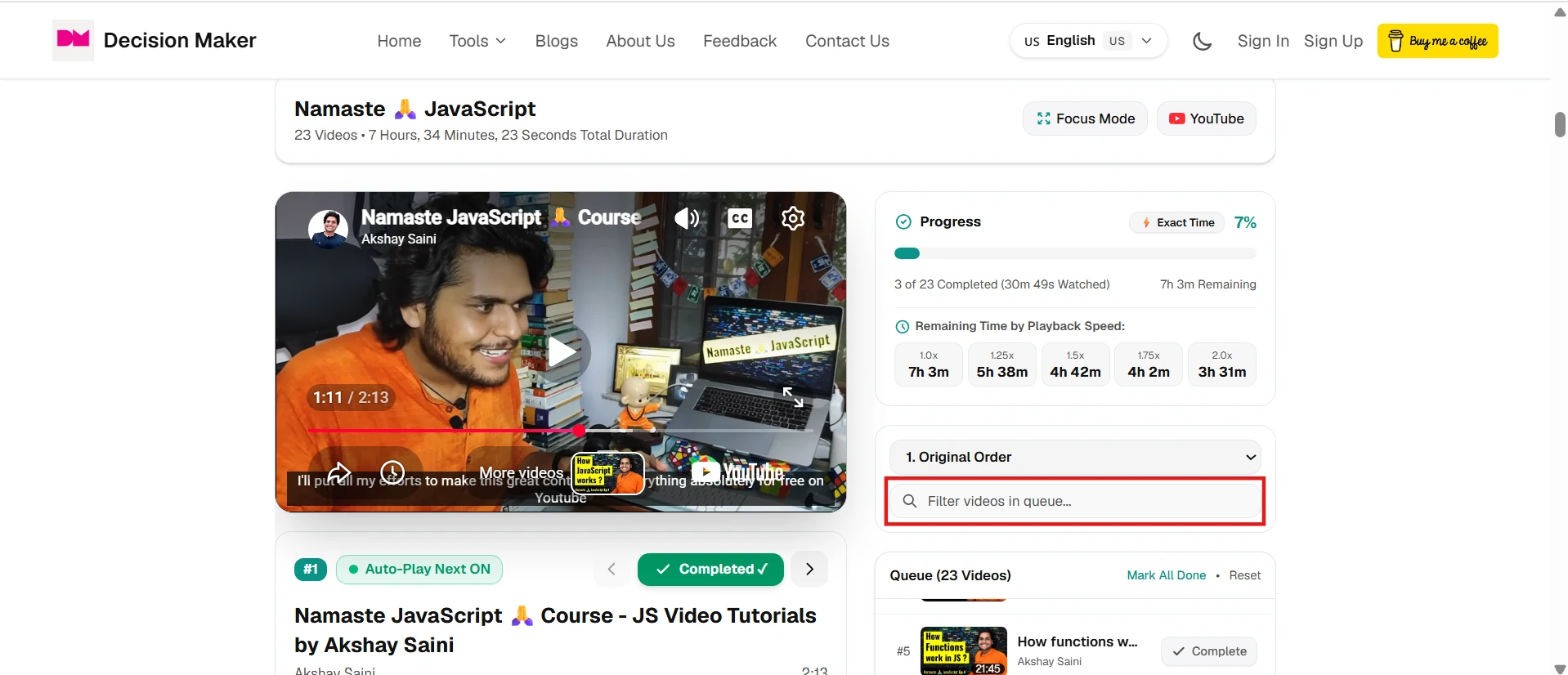
7. Search Within the Playlist
Some tutorial playlists have over a hundred videos. If you are stuck on a specific concept and just need to find that one video where the instructor explains it, scrolling manually is painful. The built-in search bar lets you instantly filter the playlist by title, so you can jump straight to the exact topic you need to revise.
8. Other Cool Features
Beyond the core Study Manager, the YouTube Playlist Length Calculator is packed with additional tools designed specifically for students and self-learners:
- Total Length and Average Stats: Instantly see the total duration of the playlist, the average length of each video, and the total video count.
- Custom Range Selection: Only care about videos 10 through 25? Use the "From" and "To" video inputs to calculate the length of a specific sub-range of the playlist.
- Resume Your Playlists: The tool remembers your progress locally. If you close the tab and come back tomorrow, you can pick up right where you left off.
- Study Session Planner: Input how many hours you want to study today, and it will calculate exactly how many videos you can finish in that time frame.
- Query Editor (SQL): For data enthusiasts, you can write actual SQL queries to filter and sort the playlist data any way you can imagine.
Ready to upgrade your study sessions?
Stop guessing how much time is left and start studying smarter. Just copy any YouTube playlist link, paste it into the calculator, and scroll down to the Study Manager to take full control of your learning process.